MCP for market research: five example agent workflows
Five practical MCP research workflows, with evidence traceability, permission boundaries and clear approval points.
Model Context Protocol, or MCP, gives an AI application a standard way to connect to tools and information sources. For market research, that opens up agent workflows like finding earlier studies, drafting a questionnaire or pulling evidence for a report. What MCP doesn't do is make the research valid, or give anyone permission to launch fieldwork.
Start small, with a job that has a clear place to stop. "Find the evidence behind this recommendation" is much easier to control than "do our research." Once a narrow workflow runs well, you can decide whether a longer sequence is worth automating.

What does MCP connect in market research?
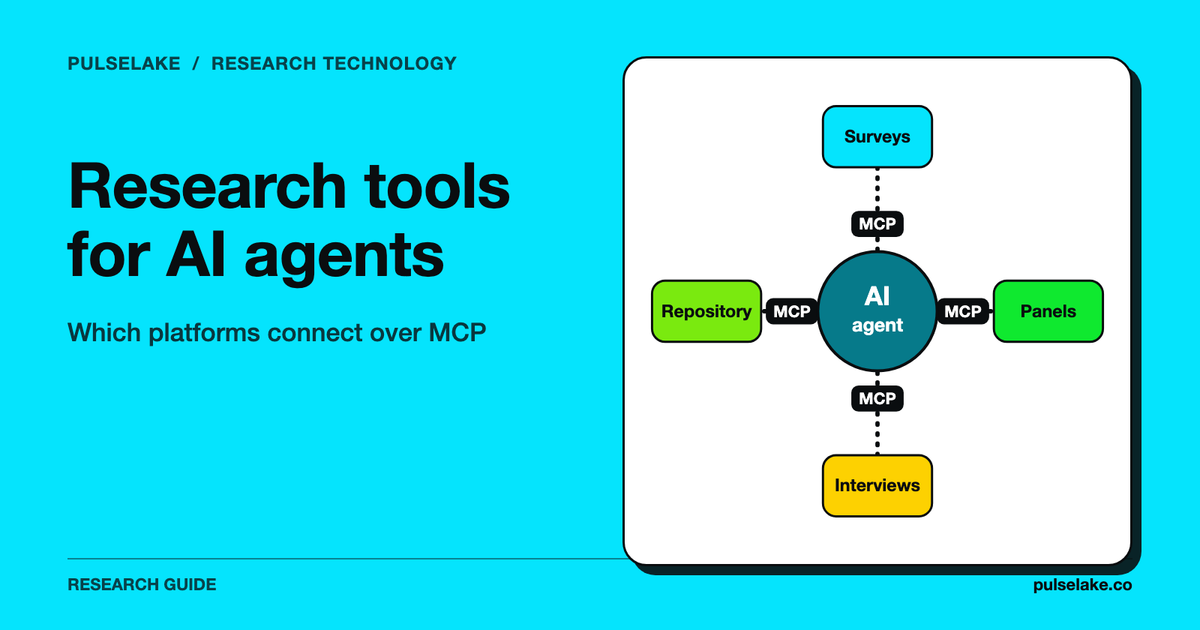
The MCP architecture documentation describes hosts, clients and servers. Practically, the researcher's AI application connects to a server that exposes an agreed set of capabilities. Those might retrieve documents, call a service, or carry out a permitted action.
Reading and acting are the line that matters most. Searching a repository is one kind of operation. Sending invitations is quite another. You can give the assistant the first without assuming it needs the second.
An MCP connection also doesn't mean two research products share a study model. What one system calls a "participant" may be a contact record in the other. Map identifiers, statuses and permissions by hand before you pass records between them.
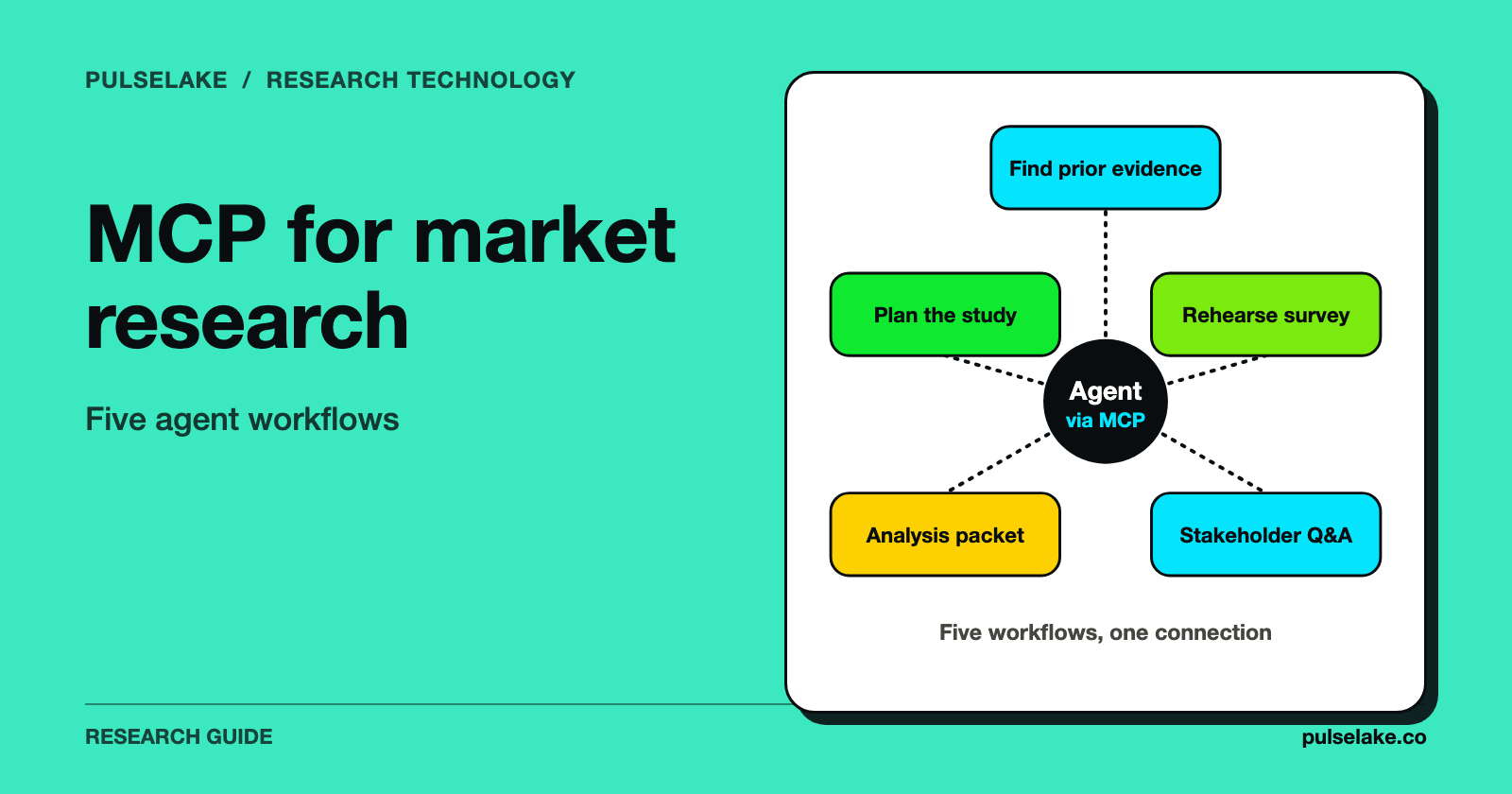
The five workflows below are implementation patterns. They aren't a list of documented PulseLake MCP endpoints or tool names.
1. Find what the team already knows
A product manager wants to know whether customers have ever talked about invoice exports. The agent searches the studies it can access, pulls the relevant passages, and comes back with a short answer and links to the evidence.
Scope comes first. Completed studies only? Internal hypotheses too? Could it reach another client's material? Set those limits with permissions and explicit search filters. Don't count on the model working them out from filenames.
A good result gives the study date, the audience, the question context and where the evidence lives. It should keep a participant's statement apart from a researcher's interpretation. And if nothing relevant exists, the right answer is "there's a gap here." A confident answer stitched together from general knowledge is the wrong one.
Before you trust the workflow, have a researcher check a few retrieved records. A quote can be accurate and still mislead if it answered a different question or came from a different customer segment.
2. Turn a brief into a reviewable study plan
An insights lead hands over a decision, a target audience and some constraints. The agent pulls approved questionnaire patterns, proposes a study design, and saves a draft for review.
On a pricing project, it might bring up existing guidance on question order and point out that nobody has said who makes the purchase decision. What it shouldn't do is quietly pick a price range or make up a baseline conversion rate. Those inputs change what the study means.
The draft should explain why each section is there. That lets a reviewer cut questions that won't change a decision, check the screening logic, and spot sensitive information the study doesn't need.
Keep "draft" and "approved" as separate states. Saving a plan shouldn't place a paid order, recruit anyone or email a client. Each of those needs its own explicit step, with a chance to look at the exact audience, instrument and cost.
3. Rehearse an instrument before human fieldwork
Now the agent takes an approved draft and runs a structured rehearsal. It can catch duplicate questions, response options that don't line up, and instructions pointing at material respondents will never see.
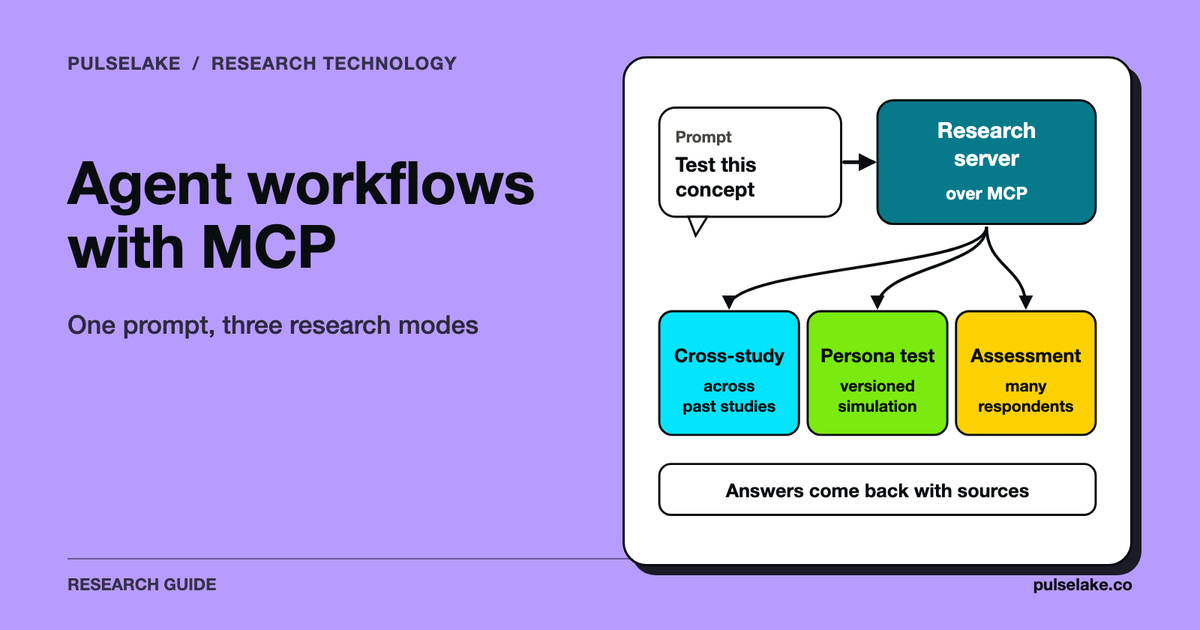
If synthetic respondents are part of this, label their output as simulated. Use it to explore how people might misread things under stated assumptions. Don't report the preferences it produces as market demand. In our view, synthetic runs are for speed and early direction, and real respondents are for validation.
A fictional example shows where the line sits. A questionnaire asks people to compare "standard" and "advanced" reporting without defining either. A simulated answer might expose that ambiguity. The researcher fixes the descriptions, then checks comprehension with people from the intended audience.
Keep a change log tying each suggested edit to a reason. "The model preferred this wording" is a weak reason. "This option overlaps with another response category" is one a reviewer can check directly.
4. Build an analysis packet with traceable evidence
Once fieldwork is done, the agent retrieves the permitted study data and prepares an analysis packet: question-level summaries, candidate themes, supporting excerpts and a list of contradictions nobody has resolved yet.
Calculations should run on the actual dataset through a calculation tool or an established analysis process. A language model shouldn't estimate a percentage by skimming a few comments. Next to every figure, record the denominator, the exclusions and how missing values were treated.
For qualitative work, keep the path from each theme back to the original response. A theme backed by lots of short comments and one backed by a single detailed interview might deserve different handling, and the packet should make that obvious.
PulseLake is a research operating system that links study design and evidence collection with structured analysis, interpretation and reporting. Its research frameworks organise questions and measures into dimensions and sub-dimensions. That structure gives the evidence a shared meaning, so it can be analysed beyond any single response or survey.
PulseLake already has internal Copilot analytics tools for Workbench results, pivots and benchmarks. They use the study context and shared calculation services. External agent access still needs a verified interface and permissions.
5. Answer stakeholder questions without losing context
A stakeholder asks, "Did customers dislike the feature, or just the setup?" The agent searches the approved evidence and drafts an answer that separates the two explanations, where the data allows it.
This works best when the answer has edges: which study it used, which audience that covered, what's still uncertain. If the study never separated setup from ongoing use, the assistant should say so and suggest a follow-up question.
Permissions still apply at presentation time. A stakeholder might be cleared for an aggregate result but not for raw recordings or identifying details. Retrieval access and answer-sharing access should follow the same project rules.
A sensible stopping point is a saved answer with evidence links. Sending it to a client, or dropping it into a public report, should be a separate and deliberate action.
What does a safe handoff look like?
| Workflow | Allowed starting action | Reviewable output | Separate approval point |
|---|---|---|---|
| Prior research search | Read authorised records | Evidence summary | Sharing outside the project |
| Study planning | Read templates and save a draft | Questionnaire and rationale | Launching fieldwork |
| Instrument rehearsal | Analyse the draft | Issues and proposed edits | Replacing approved questions |
| Analysis packet | Read approved study data | Calculations and source excerpts | Publishing conclusions |
| Stakeholder question | Search permitted evidence | Answer with limitations | External delivery |
Treat anything the agent retrieves as evidence, never as instructions. A transcript or uploaded document might contain text that tries to steer the agent somewhere else. The MCP security guidance is a useful reference for the integration team. Application permissions and human review still have to be designed around the real research workflow.
Which research tools expose MCP today?
Check vendor documentation. An AI feature doesn't imply MCP support. User Intuition publishes an agent research guide describing hosted MCP access and research workflows. Confirm its current authentication, tool scope and approval behaviour before you connect a production account.
As for PulseLake, this article describes relevant research workflows. It isn't a promise of an undocumented public MCP server. Any deployment conversation should pin down the available interface, tenant boundaries and supported actions before anyone writes configuration around them.
With any provider, ask for a read-only demo first. Retrieve a study you know, inspect a source quotation, and try a request outside the permitted project. Those three checks tell you more than a slick end-to-end demo with unrestricted access ever will.
Frequently asked questions
Does MCP perform the research itself?
No, MCP only defines a connection between an AI application and the capabilities it exposes. The research method, data quality, permissions and interpretation all depend on the tools and workflow you plug into it.
Can an agent launch a paid study automatically?
It depends on the integration, so design for it. Make study launch require explicit authorisation once the audience, questionnaire and cost are on screen. Being able to read a draft shouldn't imply permission to spend.
Can synthetic participants be included?
Yes, if the connected system supports them. Keep their outputs labelled and separate from observed human evidence, and validate in a way that fits the decision.
What should we automate first?
Retrieving known evidence, or preparing a draft analysis packet. Both produce outputs you can inspect, and they help the team sort out permissions, source traceability and sensible stopping points before anything consequential gets automated.