SurveySparrow vs SurveyMonkey: which should you use in 2026?
A practical SurveySparrow and SurveyMonkey comparison covering questionnaire logic, feedback workflows, AI analysis, exports and migration.
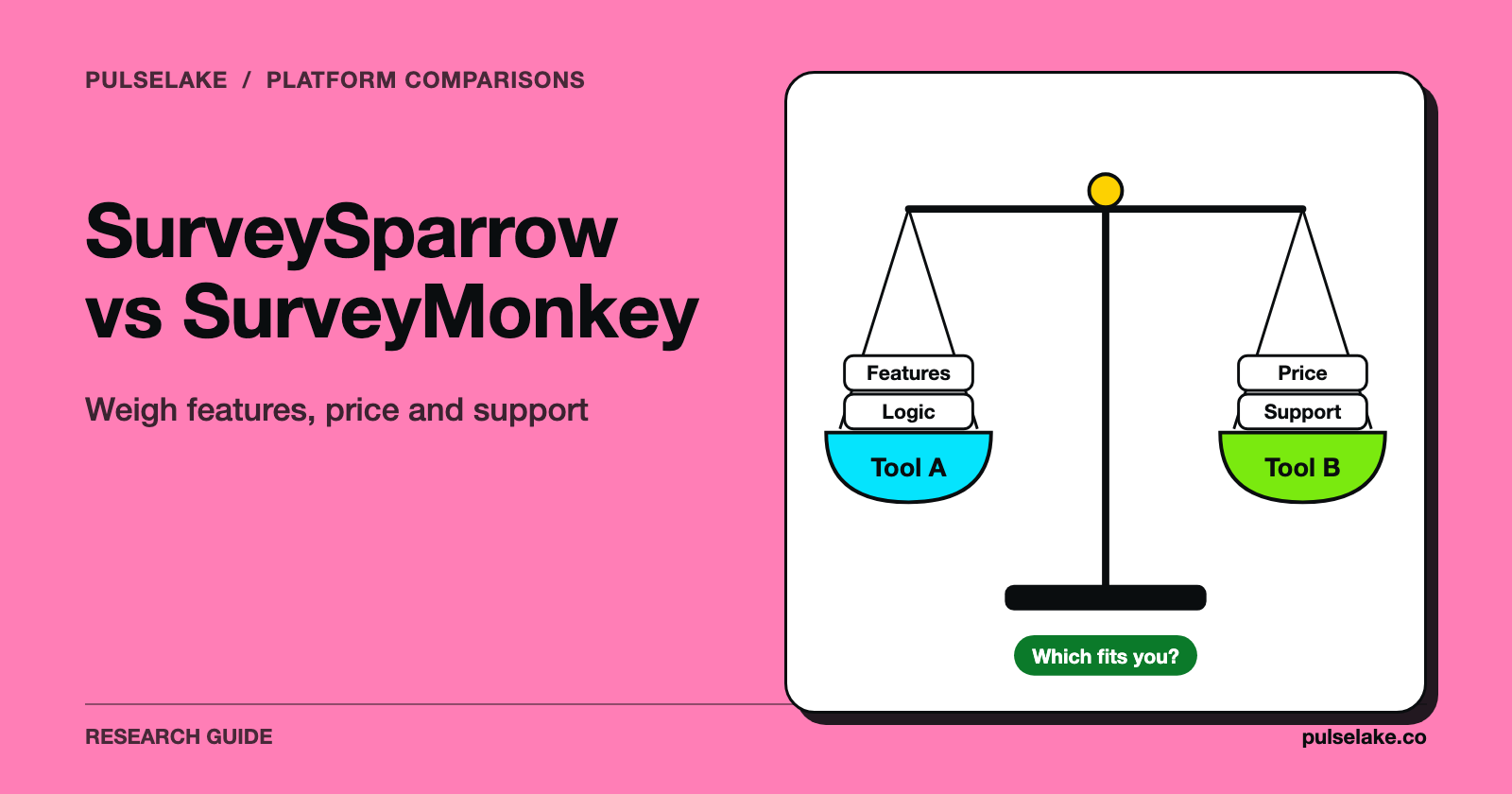
SurveySparrow vs SurveyMonkey comes down to what happens after someone answers. Both belong on a survey shortlist. Look at SurveySparrow when your requirement is framed around customer feedback, and at SurveyMonkey when it starts with surveys and market research. Then push the same questionnaire, analysis and handoff through each one before you decide.
Last reviewed: October 13, 2026. We make PulseLake. These are fit judgments from public product information, not findings from a controlled product test.

What needs to happen after someone answers?
Same satisfaction question, two teams. The product researcher wants to compare answers across customer segments and pick what to dig into next. The service team wants to catch an unhappy customer, route the issue and record what was done. The wording is identical; the operating needs aren't.
That's why you sketch the path from invitation to decision before you open a single trial account. Who writes the questionnaire? Where do respondents come from, and who checks the data? Who gets the result, and what happens next? The survey builder is just one stop.
The exercise also pulls out requirements a demo can hide. Perhaps identities must stay separate from answers. Perhaps a quarterly trend has to survive, or a colleague needs to read findings without ever seeing raw comments. Get those into the evaluation brief first, and only then talk about shiny new features.
Which tests make the comparison useful?
Run the same six checks in both products.
| Test | What to do in both products | What would change the decision? |
|---|---|---|
| Questionnaire logic | Run every branch with test answers | A required route cannot be implemented or maintained |
| Respondent experience | Complete it on phone and desktop | Important participants cannot use it comfortably |
| Analysis | Reproduce one known cross-tab and inspect comments | Analysts cannot trace a result to the right base |
| Export | Open the result in the tools the team uses | Codes, labels or missing values lose their meaning |
| Access | Try administrator, analyst and reader roles | Sensitive material reaches the wrong audience |
| Ongoing work | Repeat the study and process a correction | Routine maintenance requires unacceptable manual effort |
Keep proof for every pass: a test response, an exported file, a screenshot of a setting, a written result. When procurement comes knocking months later, that beats everyone's hazy memory of a presentation.
When is SurveyMonkey worth evaluating?
SurveyMonkey’s market research offering makes it a relevant candidate for teams organizing research around questionnaires. Best fit to investigate: a survey-led project where questionnaire behavior, recruitment choices, and usable analysis are the main buying criteria.
Build your awkward instrument here first, and look past the first screen. A person who doesn't qualify should land where you intended. Someone who ticks several options should get the right follow-up. An analyst who never touched the survey should still be able to make sense of the exported codes.
Outside respondents? That's its own decision. A sample service being on offer says nothing about whether your audience can actually be reached, whether a quota is doable, or whether the sample represents the population you want to describe. Ask for feasibility and quality procedures against your real brief.
When is SurveySparrow worth evaluating?
SurveySparrow presents itself as a customer feedback platform. Best fit to investigate: teams whose buying problem is an ongoing feedback program rather than one isolated questionnaire.
Open the collection experience on the devices your customers really use, because something that feels fine on a desktop can be clumsy on a phone. Try a long answer. Skip an item. Trigger a validation error, then come back to the form later. Modern design tells you nothing about completion rates.
After that, follow a response into the hands of the team that owns it. If the proposed workflow involves categorization, reporting or a downstream action, make them demonstrate those steps on your scenario, and confirm the exact plan, integration and permissions behind it. Positioning is a fine place to start. An implementation spec it isn't.
How should you evaluate automated analysis?
Give both systems identical comments, and include the ambiguous and contradictory ones. Take "The agent was great; the refund process was awful." One positive or negative label can't capture that. Does the output separate the service interaction from the process behind it?
Check errors by category. A rare but serious issue that gets missed can do more damage than a misread compliment, so review what the system left out, not just the examples it picked. Write down every classification a person changed, and why.
A generated recommendation is a proposal and nothing else. "Improve onboarding" isn't a decision when the comments are really about three unrelated onboarding steps. Ask for the evidence, the affected segment and the alternatives still on the table. Our view: automation earns its keep only when it saves work without flattening the distinctions that tell you what to do.
What should you preserve when migrating?
Hold on to the questionnaire, branching rules, answer labels, historical data and the definitions your reports use. Keep one distinction in particular: a question somebody skipped versus a question they were never shown. Those blanks mean different things in analysis.
Be careful with a recurring tracker. Change platform, recruitment, wording and response scales all at once and any break in the trend becomes nearly impossible to read. Where continuity matters, consider an overlap study designed with a researcher. Its job is to investigate measurement differences; it can't promise that both platforms give identical results.
Downstream reports need a look too, since a dashboard can refresh happily while pointing at the wrong response code or denominator. Before moving the live workflow, trace a small, known set of cases from collection through export to the final report.
How do you avoid buying the wrong package?
Start with one common usage scenario, and have each vendor map it to a written proposal. Name the people who build surveys, the ones who analyze them, and the ones who only read results. Add expected survey volume, response volume, recruitment needs and any required integrations. Then ask how limits are measured and what happens when you cross them.
Don't assume an advertised feature ships with every plan. The opposite assumption is just as shaky: a feature missing from one public page doesn't mean the vendor can't provide it. Log the open question and demand a specific answer. (You won't find competitor price figures here; a headline subscription amount can't tell you what your research program costs.)
Count researcher time as a cost too. A tool that collects nicely but leaves you cleaning exports every week is expensive. Training goes in the implementation plan. These costs depend on how you work, and they aren't universal defects in either product.
When does PulseLake belong in this decision?
PulseLake is a research operating system that links study design and evidence collection with structured analysis, interpretation and reporting. Its research frameworks organise questions and measures into dimensions and sub-dimensions. That structure gives the evidence a shared meaning, so it can be analysed beyond any single response or survey.
Inside that system a survey is one input. A broader evaluation would cover analytical frameworks, dimensions, study-specific measures, pivots and the route from findings to reporting, on top of the collection requirements.
Need a simple form? A survey product may be all you need. But if the problem that keeps coming back is evidence drifting away from objectives, methods and decisions, evaluate the wider workflow. One more thing: keep synthetic responses clearly labeled. They shouldn't be blended into human survey totals as if they were extra people you interviewed.
Frequently asked questions
Which platform is easier to use?
That depends on the task and on who's doing it. Let a typical colleague build, revise, analyze and export your questionnaire in each tool with minimal help, then compare how much work it took.
Can either product guarantee a representative sample?
No platform name can make a sample representative. Recruitment, coverage, screening, nonresponse and weighting all play a part. Judge the proposed sample against the population and the decision your study is about.
Should I choose based on the AI summary?
Please don't. Look at the source comments, denominators, classification errors, permissions and export quality too. A fluent summary is only one output in a longer workflow.
Should we replace our survey tool with PulseLake?
Consider it if your problem spans research execution, institutional knowledge and delivery. First work out which survey functions you have to keep, and see those demonstrated rather than assuming a full swap will work.
All trademarks belong to their respective owners. Corrections are welcome through our contact page.