Best Customer Research Tools and Platforms in 2026
Best customer research tools in 2026 by job: surveys, interviews, repositories, panels and analytics, with a fair look at what each provider says it does.
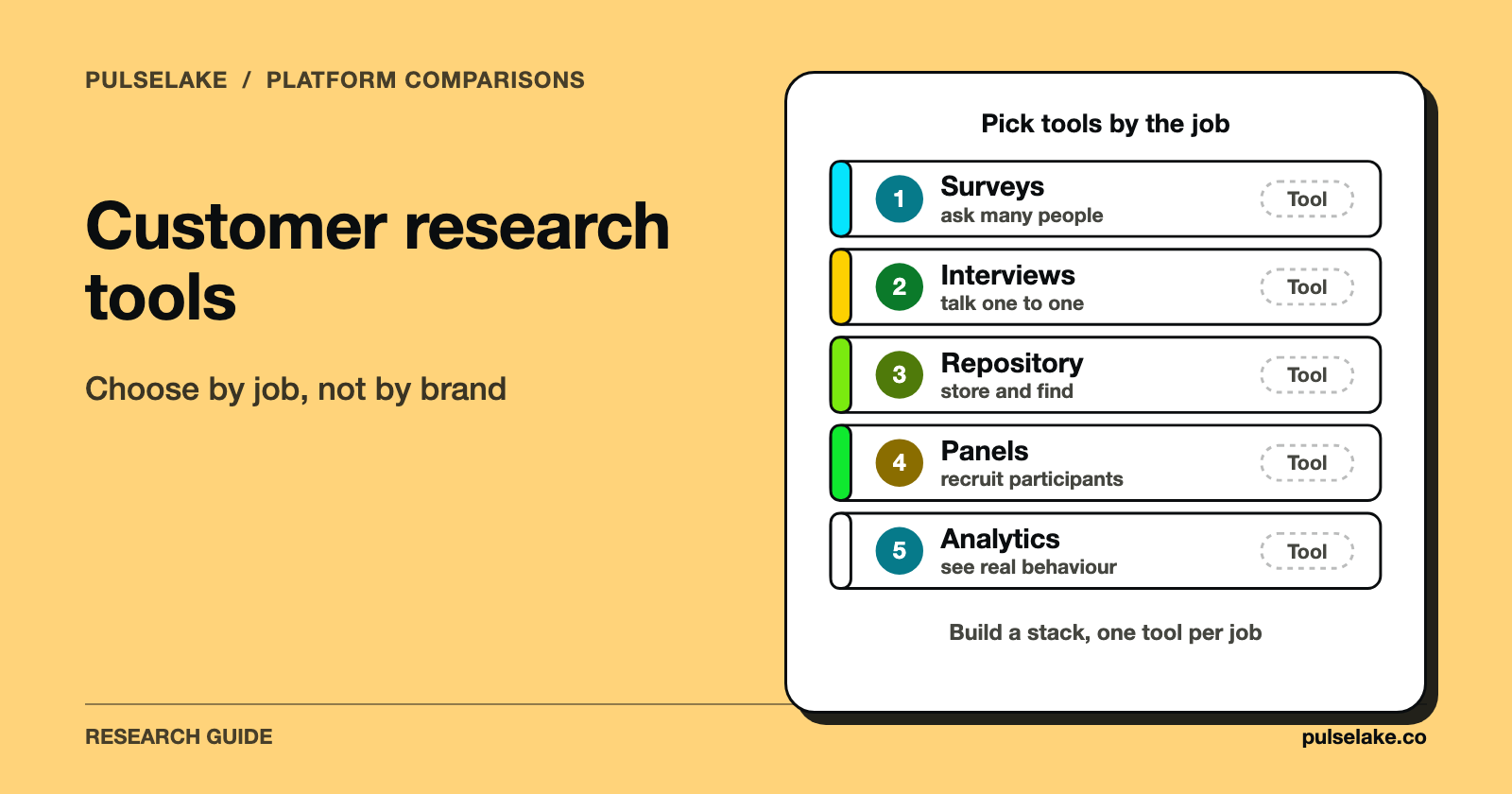
The best customer research tool depends on the job: survey platforms for measuring at scale, interview and usability tools for hearing why, repositories for keeping what you learn, panels for finding participants, and analytics for watching behaviour. Most teams need one tool per job, not one tool for everything. So pick the job first and the product second.
We make PulseLake, a research platform. It shows up once in this guide, in the section on research operating systems, and the tool descriptions below come from each provider's own public page.

How should you choose a customer research tool?
Feature lists are a bad place to start. Start with the question you need answered, and these three narrow the field fast.
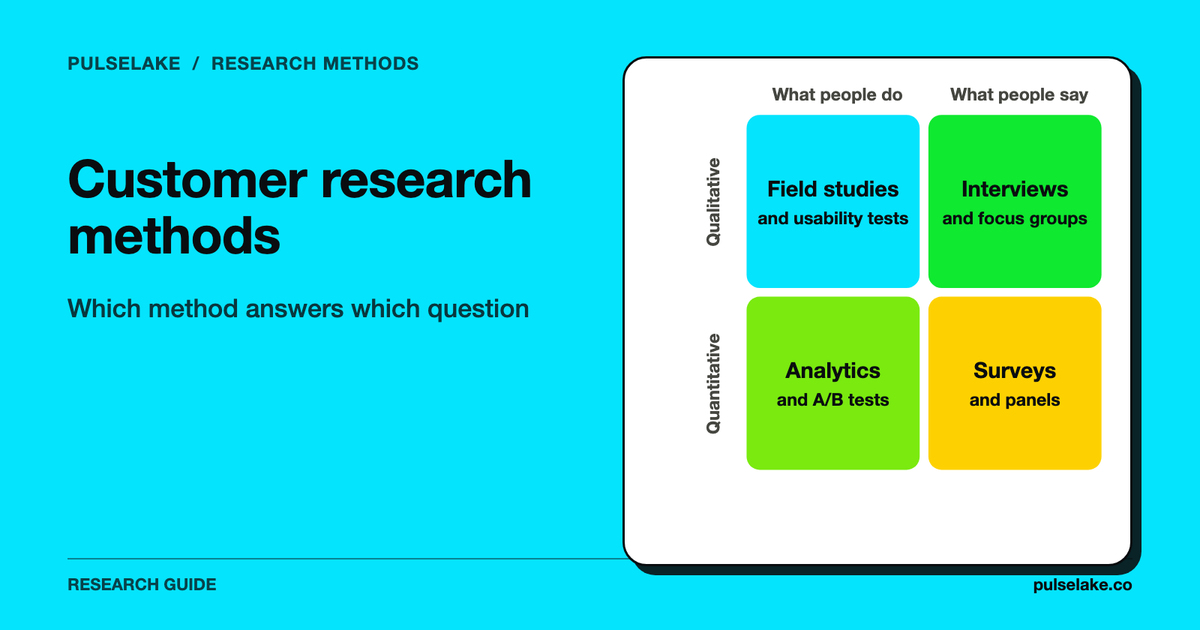
- Do you need numbers or reasons? Counting how many customers feel something is a survey job. Understanding why is an interview or usability job. The distinction is covered in qualitative vs quantitative research, and most real programmes combine both (mixed methods research done right).
- Who will take part? If your own customers are enough, your own list will do. If you need people you can't reach yourself, you need a panel or a recruiting service.
- Where will the findings live afterwards? A study that ends as a slide deck gets forgotten. A repository or knowledge system lets the next team reuse it.
The tool lists below are organised by job. They're our summary of what each provider says on its own site as of October 2026, in no ranking order, and without prices. The "Our read" lines are our interpretation of that page, not a verdict. For methods instead of tools, see customer research methods in 2026.
Which tools are best for customer surveys?
Surveys tell you how many customers hold a view. They suit satisfaction, preference and concept questions where you want a number you can track over time. Honestly, good question writing matters more than the platform; see writing survey questions that do not bias responses.
| Tool | What its own page says (as of October 2026) | Our read |
|---|---|---|
| Qualtrics | Describes itself as "the next generation of Experience Management" on its XM Data & AI Platform, spanning research, customer and employee experience. | Suits large organisations that want research and experience programmes in one vendor relationship. |
| SurveyMonkey | Describes its product as survey software "built for business" and says it supports ongoing input from customers, workers and others. | Suits teams that want a familiar survey tool without an enterprise rollout. |
Both are commercial products. For alternatives and comparisons, see SurveyMonkey alternatives for market research in 2026, Qualtrics alternatives in 2026 and best AI survey tools with automated analysis.
Which tools are best for customer interviews and usability testing?
This is where you hear the reasons. You watch or listen to a small number of people and learn what sits behind the numbers.
| Tool | What its own page says (as of October 2026) | Our read |
|---|---|---|
| UserTesting | Calls itself "the human insight engine for the enterprise" and pairs feedback from real people with AI tools that identify recurring themes. | Suits larger teams that want feedback from real people with AI-assisted theme finding. |
| Maze | Says it "puts continuous user and market research behind every decision" and lists participant recruitment, a mix of research methods and reporting. | Suits product teams that want to run frequent, lightweight studies. |
Interviewing is also where AI moderation is changing the process. Our answer page explains what an AI-moderated interview is and how it works, and the guide to AI focus groups and AI-moderated interviews covers when it fits and when it doesn't. If you'd rather run traditional groups, see focus group research methodology.
Which tools are best for storing and analysing research?
A research repository keeps transcripts, notes and findings searchable, so they outlive both the project and the person who ran it.
| Tool | What its own page says (as of October 2026) | Our read |
|---|---|---|
| Dovetail | Says its engine "automatically turns millions of pieces of raw feedback" into structured customer context, and that its repository turns "studies and transcripts into shared customer intelligence." | Suits teams whose main problem is making sense of qualitative data in one place. |
We'd put the habits ahead of the tool every time: consistent tagging, clear ownership, and an agreed way to retire stale findings. Our guides to building a research repository that people actually use and repository maintenance cover those. For product comparisons, see Dovetail alternatives for AI-native research synthesis.
Where do you find participants? Panels and recruiting tools
Get the wrong respondents and even a great study falls over. Two separate needs hide under this heading: recruiting people for interviews, and buying survey respondents at scale.
| Tool | What its own page says (as of October 2026) | Our read |
|---|---|---|
| User Interviews | Says "We connect researchers and participants," and that researchers can find participants "from our panel, your panel, or both." | Suits teams that need to recruit people for interviews and tests, or manage their own participant list. |
| Prolific | Offers "real human data" and describes human feedback from representative populations and insights from verified participants. | Suits teams that want participant access for surveys and experiments. |
Sample quality deserves its own reading. Go through avoiding sampling bias and detecting low-quality survey responses before you buy. For a wider market view, see best online panels and respondent marketplaces in 2026.
Which tools show what customers actually do? Behavioural analytics
Research asks people what they think. Analytics shows what they did, and nobody has to be asked.
| Tool | What its own page says (as of October 2026) | Our read |
|---|---|---|
| Hotjar | Its page says Hotjar is now part of Contentsquare and offers "heatmaps, recordings, and surveys," now through Contentsquare Free. | Suits teams that want to see how visitors move through a website or product and to ask a quick on-page question. |
Behaviour data shows you where something happens. It won't tell you why. Pair it with interviews or a short survey to get the reason. Our article on measuring what actually influences behaviour goes deeper.
Do you need a research operating system?
Single-purpose tools solve single studies. Once a team runs lots of studies across several tools, the problem changes. The same question gets asked twice, findings sit stuck in decks, and nobody's sure which evidence supports a claim. That's the gap a research operating system aims at.
PulseLake describes itself as an AI-native operating system for market research and insight professionals, covering framing questions, running human or AI-native research, analysing evidence and preserving institutional knowledge in a shared study context. It's built for internal insights teams, market research firms and consulting practices. Where a single narrow job is all you need, it doesn't replace the specialist tools above. For platform comparisons, see best AI market research platforms in 2026 and best enterprise market research platforms in 2026.
A simple way to build your customer research stack
What follows is a hypothetical example to show the thinking. It isn't a recommendation of specific products.
Say a small software team wants to learn why trial users don't convert. It might:
- Check behavioural analytics to find the step where users drop off.
- Recruit eight to ten recent trial users for short interviews about that step.
- Store the transcripts and tags in a repository.
- Send a short survey to a larger group to see how common the main reasons are.
Four jobs, four categories. The team can often start with one or two tools and only add more when a job gets blocked. Ask every vendor what happens to your data if you leave, and check privacy and consent terms before you recruit real customers.
Frequently asked questions
What are the best customer research tools?
No single tool is best. Match it to the job: survey platforms for measurement, interview and usability tools for understanding, repositories for storage, panels for participants and analytics for behaviour. The sections above list examples for each.
What is the difference between a survey tool and a research platform?
A survey tool collects questionnaire responses. A research platform usually covers more of the process, such as recruiting, several methods, analysis and reporting. The line is blurry, so check what each product does for the specific job in front of you.
Can I do customer research for free?
Partly, yes. Talking to your own customers, reading support tickets and sending a short survey to your own list cost little beyond your time. Paid tools mostly add speed, scale, participant access and analysis, and whether that's worth paying for depends on how often you research and how hard your participants are to reach.
Are AI customer research tools reliable?
They speed up tasks like theme finding and summarising, but you should check their output against the source data. See validating AI summaries and AI as a research assistant instead of a decision maker.
How many customers should I interview?
That depends on how varied your customers are and how many segments you're studying. Start small, watch for repeated themes, and only add more people if new ones keep bringing up new reasons.
How do I run customer research without a large budget?
Pick one decision, interview a handful of existing customers, and use free or low-cost survey and analytics options before buying a platform. Write what you learned somewhere shared so it can be reused. See defining research problems and objectives.